
Webhooks
Receive real-time event notifications via HTTP webhooks
Available Events
Setting Up Webhooks
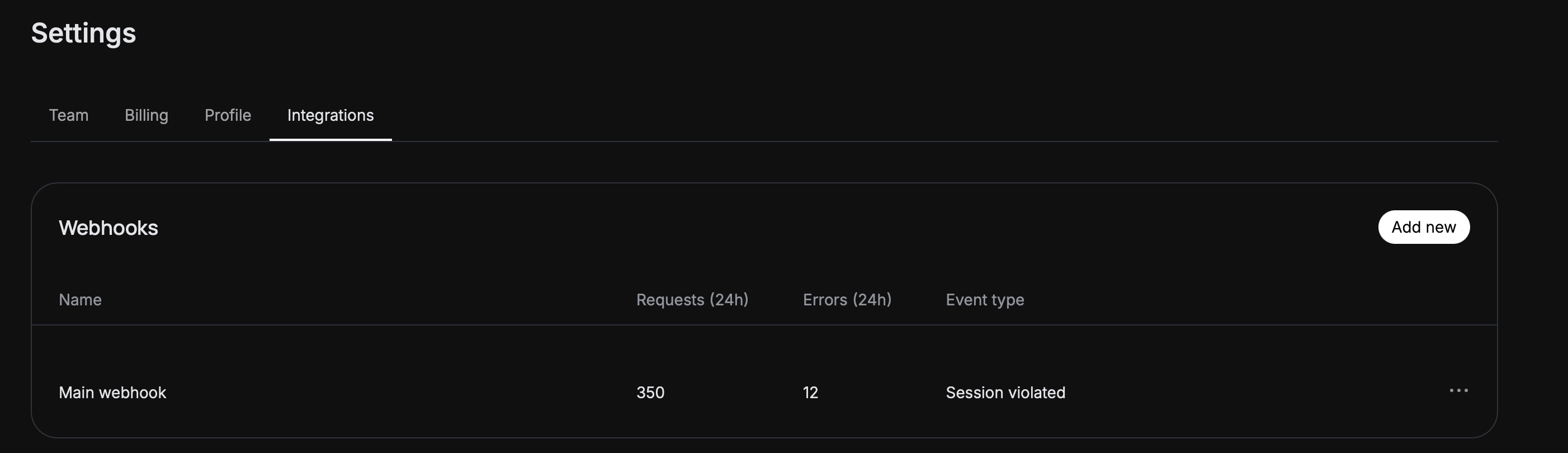
Open Workspace Settings
Add Webhook Endpoint
Configure Events
Save
Receiving events
Your webhook URL will receive a request for each event type you select. One request = one event.- sessions.violated
- review_* events
- strike.action.* events
session.violated event includes all flagged policies for the session.Error handling
Please return an HTTP 200 OK for each event you successfully receive on your Webhook URL.Failure conditions
We consider any of these scenarios a single failure condition:- We are unable to negotiate or validate your server’s SSL certificate.
- We wait longer than 3 seconds to receive a valid response from your server.
- We receive any other response than an HTTP 200-series response.
Retries
We’ll retry a failed request up to 3 times in a gradually increasing timetable:- The first retry will be sent nearly immediately.
- The second retry will be attempted after 2 seconds.
- The third and final retry will be sent after 4 seconds.
Verifying requests from White Circle
With the help of signed secrets, you can verify whether requests from White Circle are authentic.Understanding signed secrets
You can verify requests from White Circle by verifying signatures using your signing secret. On each HTTP request that White Circle sends, White Circle adds anX-Whitecircle-Signature HTTP header (or x-whitecircle-signature — header names are meant to be case-insensitive, so the letter case should not be assumed).
The signature is created by hashing the request body with the SHA-256 function, and combining it with an HMAC signing secret. The resulting signature is unique to each request and doesn’t contain any secret information, keeping your app secure.
Request signing follows this pattern:
- Your app receives a request from White Circle.
- Your app computes a signature based on the request.
- You make sure the signature you’ve computed matches the signature on the request.
Validating a request
Grab your White Circle Signing Secret and the request body
Grab your White Circle Signing Secret and the request body
Extract the timestamp header from the request
Extract the timestamp header from the request
Concatenate the version number, the timestamp, and the request body together, using a colon (`:`) as a delimiter
Concatenate the version number, the timestamp, and the request body together, using a colon (`:`) as a delimiter
Hash the resulting string, using the signing secret as a key, and taking the hex digest of the hash
Hash the resulting string, using the signing secret as a key, and taking the hex digest of the hash
Compare the resulting signature to the header on the request
Compare the resulting signature to the header on the request
Done!
Done!
Request schema
- Session/Review Event
- Strike Action Event
Headers
Unix timestamp (seconds) when the request was signed to protect against replay attacks.
Signature for the request body computed as HMAC-SHA256 over 'v0:{timestamp}:{raw_body}', prefixed with 'v0='.
Body
- Option 1
- Option 2
Type of the event
session.violated, review_manual.in_progress, review_manual.completed, review_auto.completed Whether any policy violations were detected in the session
Unique internal identifier for the session
Map of policy IDs to their changed verdicts (only changed policies included)
Optional external identifier provided by client
Response
Successfully received